
Download Event Presenter – event presentation, conference tool, speaker management, session scheduling, presentation control
Overview
Event Presenter is a specialized mobile application designed to streamline the logistics of managing presentations during conferences, seminars, and professional events. Its primary purpose is to reduce the technical and organizational stress typically associated with live presentations by providing a centralized platform for speakers to upload, schedule, and control their materials. By enabling speakers to prepare in advance, the app helps eliminate last-minute file transfers, technical errors, and miscommunication with session operators. This makes it particularly valuable for event coordinators, technical staff, and presenters who need to deliver polished, time-accurate presentations across multiple sessions.
The app targets professionals in corporate, academic, and industry event settings where timing, precision, and smooth transitions are critical. Whether managing a multi-track conference or a one-day workshop, Event Presenter ensures that each speaker’s content is ready and accessible at the right time and place. The developer, Event Presenter, has positioned the app as a focused utility tool rather than a broad productivity suite, emphasizing reliability and workflow integration over extensive feature bloat.
Real-world use cases include pre-event file uploads for panel sessions, automated synchronization of presentation decks to designated rooms, and real-time timer control during live talks. These functions collectively contribute to a more professional and efficient event environment. In the current app ecosystem, tools that bridge the gap between speakers and technical operators are rare, making Event Presenter a niche but impactful solution for event technology.
Key Features & Functionality
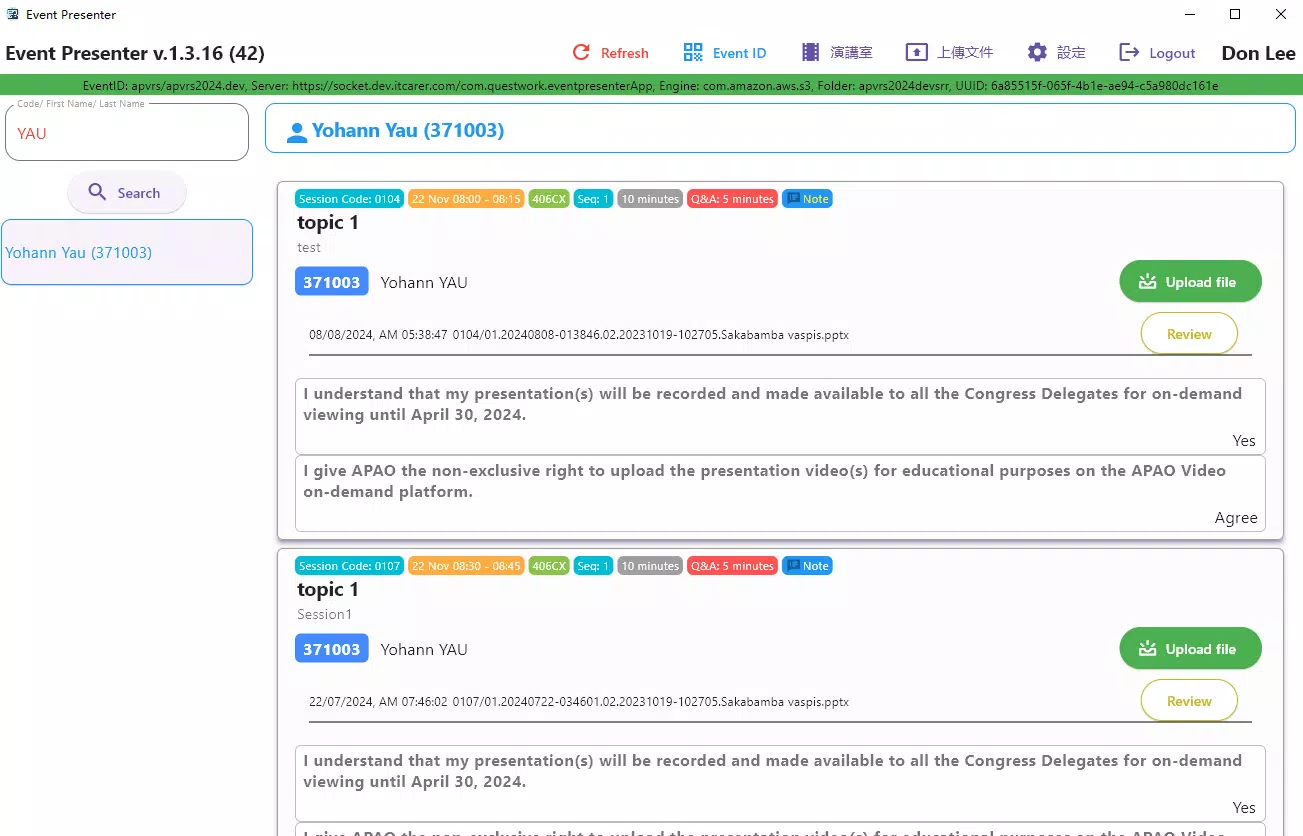
- Schedule-Based Uploads: Speakers can upload presentation files in advance, tied to their scheduled session times and locations. This ensures that materials are pre-organized and ready for deployment, reducing the risk of mismatched files or forgotten content.
- Operator Instructions: Presenters can include specific guidance for room operators, such as preferred playback settings, transition cues, or equipment needs. This feature enhances coordination and minimizes miscommunication during live events.
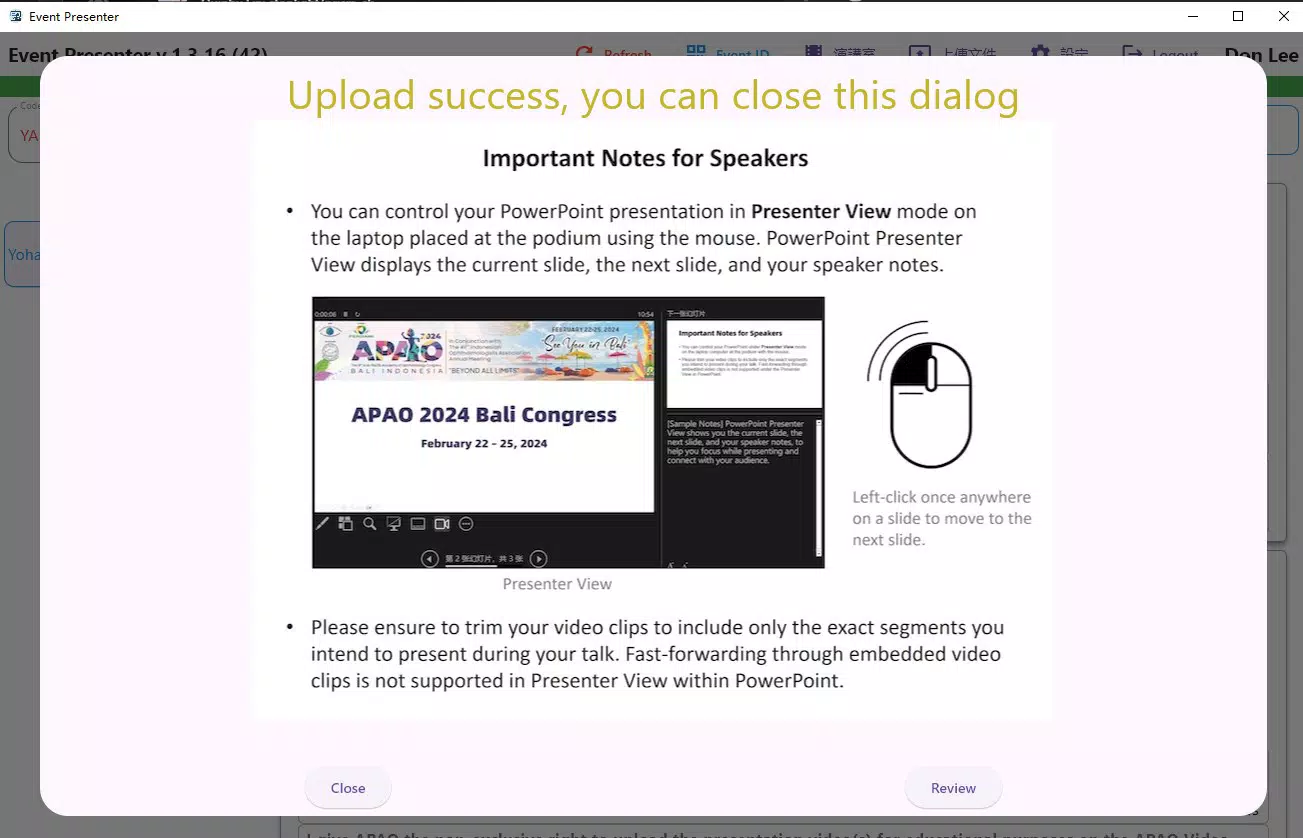
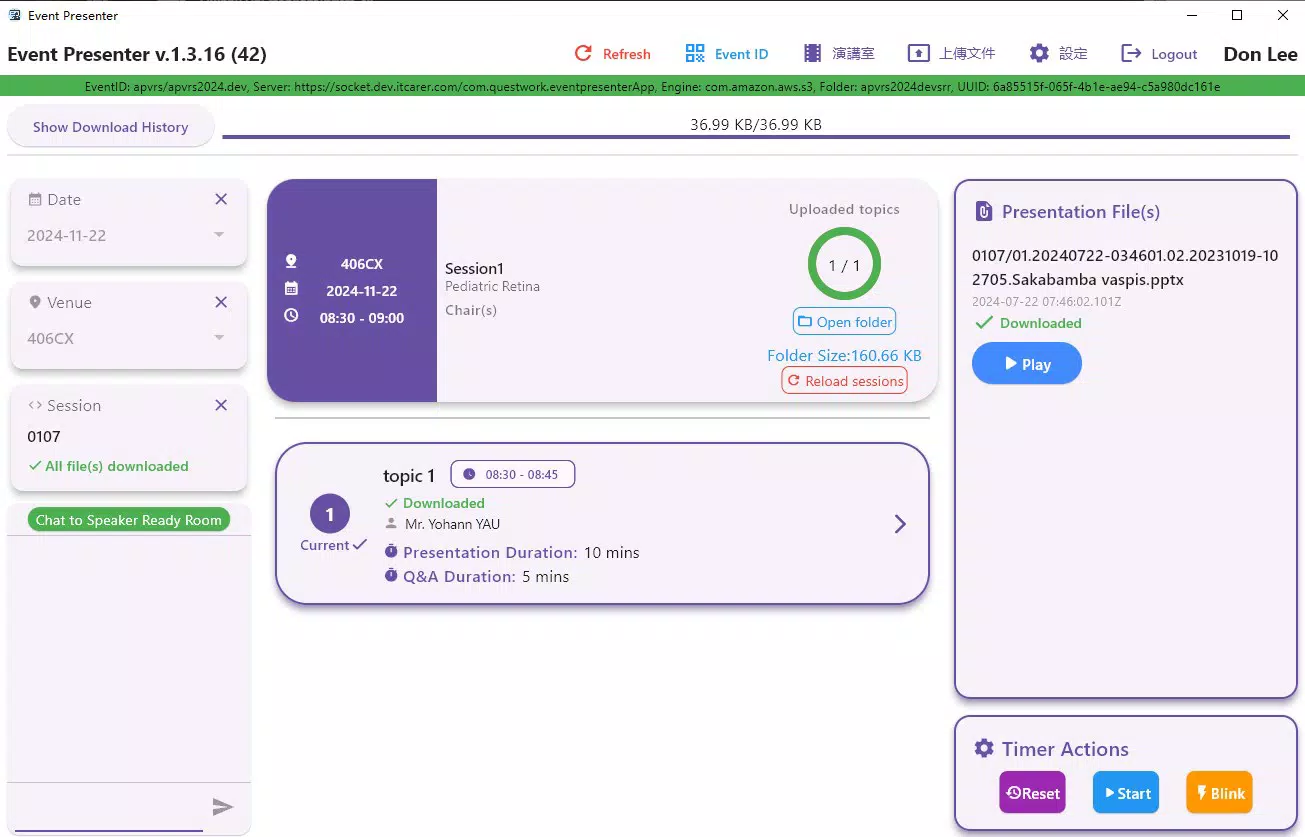
- Automated Synchronization: Once uploaded, files are automatically delivered to the correct session room systems. This eliminates manual file transfers and reduces setup time, ensuring that every speaker has access to their content when needed.
- Event Timer Control: The app allows speakers or operators to start, stop, and pause a session timer. This feature supports strict time adherence, helping presenters stay within allotted slots and contributing to a well-paced event schedule.
For example, a speaker preparing for a 20-minute session at 10:00 AM can upload their presentation the day before and set it to sync automatically to Room 3. They can also add a note: “Start slide 5 at 10:05.” On the day of the event, the operator sees this instruction and acts accordingly. Meanwhile, the timer starts at 10:00, helping the speaker manage pacing. This seamless workflow enhances professionalism and reduces on-site stress.
Interface, UX & Performance
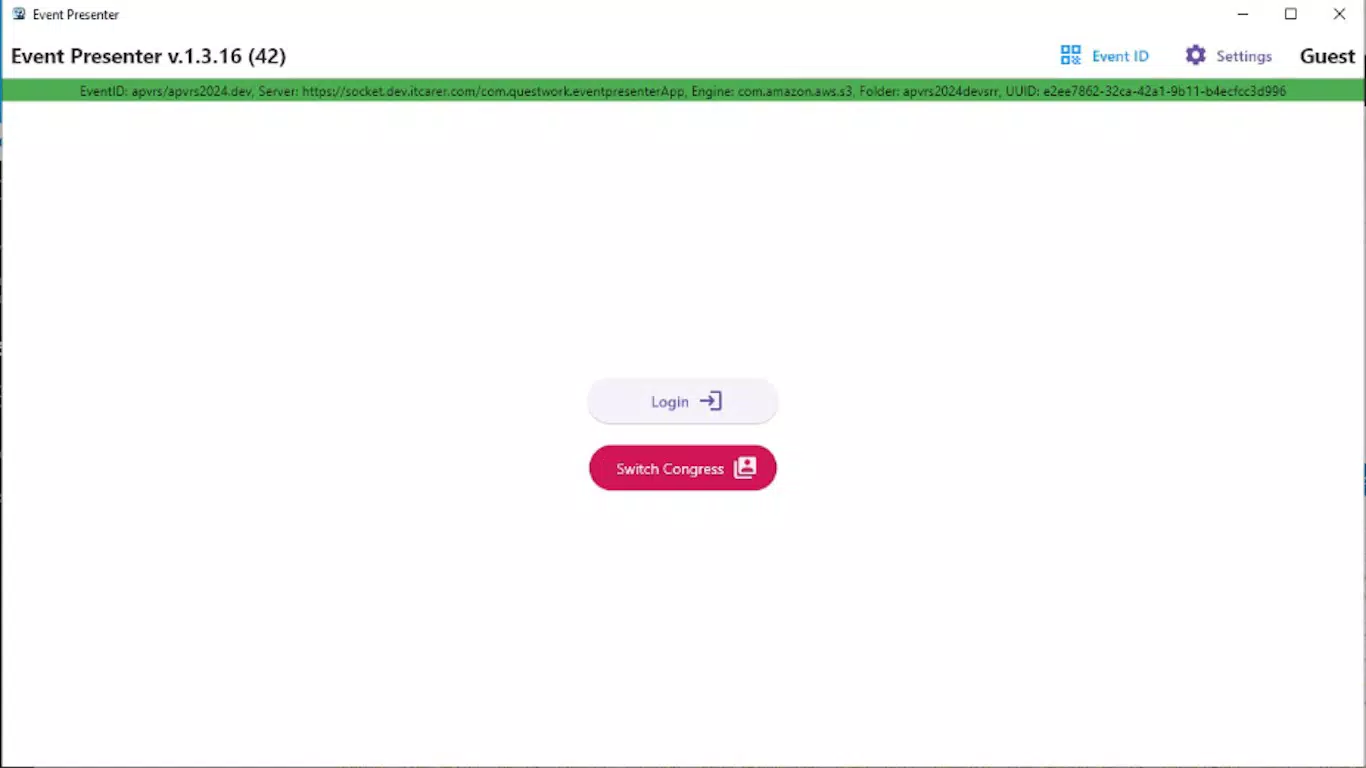
The user interface of Event Presenter appears to be designed with clarity and efficiency in mind, prioritizing essential actions such as file upload, session scheduling, and timer control. The layout likely follows a linear navigation pattern, guiding users through key steps without unnecessary complexity. Visual cues such as status indicators for uploads and synchronization help users track progress in real time.
Navigation is expected to be intuitive, with minimal onboarding required. Given the app’s focus on time-sensitive tasks, the design likely emphasizes speed and accuracy, avoiding clutter and redundant menus. The app’s performance is likely optimized for stability during high-pressure event days, with responsiveness designed to handle file transfers and synchronization without delays.
Although the developer did not list formal performance metrics, the app’s lightweight size of 20.8 MB suggests efficient resource usage. It is expected to function smoothly on a range of Android devices, from mid-tier to high-end models. The app’s responsiveness during file uploads and timer operations would be critical to its success, and while specific benchmarks were not provided, the design implies a focus on reliability under real-world conditions.
Platform Compatibility & Technical Requirements
Event Presenter is available exclusively on the Android platform, making it accessible to users who rely on Android devices for event management tasks. The current version is 1.0.1, released on August 9, 2024. The app has a file size of 20.8 MB, indicating a compact footprint that minimizes storage impact on mobile devices.
While the developer did not specify minimum OS requirements, the app is likely compatible with recent Android versions to support modern file handling and background synchronization features. Users should ensure their devices are running a stable Android OS to avoid potential compatibility issues. No additional hardware requirements were disclosed, suggesting that the app functions using standard smartphone capabilities.
Pros and Cons
Pros
- Streamlines presentation logistics for speakers and operators
- Automated file synchronization reduces setup time
- Time control feature supports strict event scheduling
- Lightweight size (20.8 MB) ensures efficient device usage
- Free to download and use, with no in-app purchases
Cons
- Currently available only on Android, limiting cross-platform access
- Developer did not provide detailed technical specifications
- No information on offline functionality or backup features
- Platform-specific features may not be available on iOS devices
- Functionality is limited to presentation management; no broader event tools included
FAQ
Is Event Presenter available for iOS devices?
As of now, the app is only available on the Android platform. No iOS version has been announced.
Can I use Event Presenter without an internet connection?
While the app requires internet access for file uploads and synchronization, it may allow limited offline use for viewing scheduled sessions. Specific offline capabilities were not disclosed by the developer.
How secure is my presentation data on Event Presenter?
The app’s security measures were not detailed in the provided information. However, as a tool handling sensitive presentation content, secure transmission and storage are likely priorities.
Does Event Presenter support multiple file formats?
The supported file types were not specified. The app may accept standard presentation formats such as PDF, PPT, or PPTX, but this was not confirmed.
How often should I update Event Presenter?
It is recommended to keep the app updated to the latest version (1.0.1) to ensure compatibility, performance, and access to new features. Updates may be released periodically by the developer.
Final Thoughts + CTA
Event Presenter stands out as a focused, practical tool for modern event management. It addresses a common pain point—presentation coordination—by offering a streamlined, automated workflow for speakers and technical operators alike. Its schedule-based uploads, operator instructions, and timer control features combine to deliver a reliable system that enhances professionalism and reduces on-site stress.
While currently limited to Android and lacking broader functionality, its niche focus makes it a valuable asset for event planners and presenters who prioritize precision and efficiency. The free price point further increases its accessibility, especially for small to mid-sized conferences and academic events.
For anyone involved in organizing or delivering presentations at live events, Event Presenter offers a smart, no-frills solution that delivers tangible benefits. Its clean design, intuitive features, and automated processes make it a standout in the productivity app space.
Download Event Presenter now


